Common Dialog Boxes
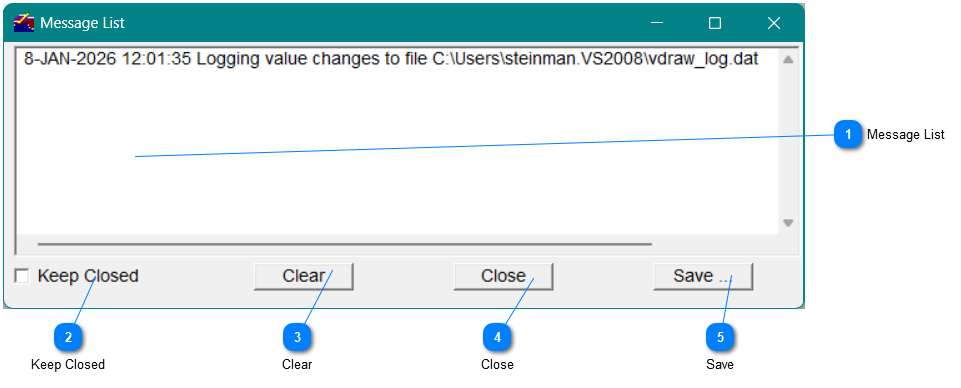
Many Vsystem graphical program will have a messages window that can display and errors or other useful information. You can open this window by selecting the Messages on the toolbar. For some porgrams, it may be abbreviated to Msgs, or there may not be any text, but the icon will be the same.

You can also select Messages from the menu and then View.