Db_view graphical interface
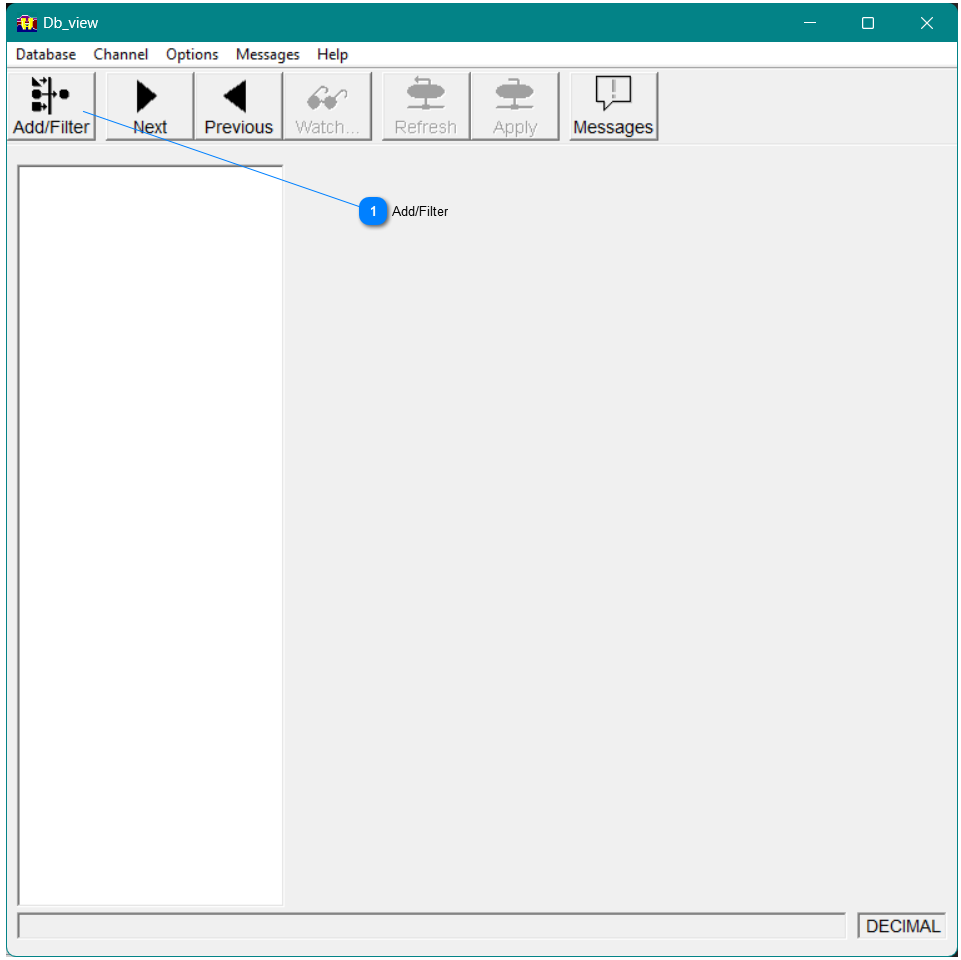
If you start db_view without specifying the parameter, the db_view list box appears empty, as shown in Figure 10.
Opening the database
To use db_view, you need to open the database that contains the channels you want to review.
 Add/Filter To open a database, click the Add/filter button on the toolbar or in the Database menu, select Add Database/Filter. The Add Filter dialog appears, as shown in Figure 11.
|
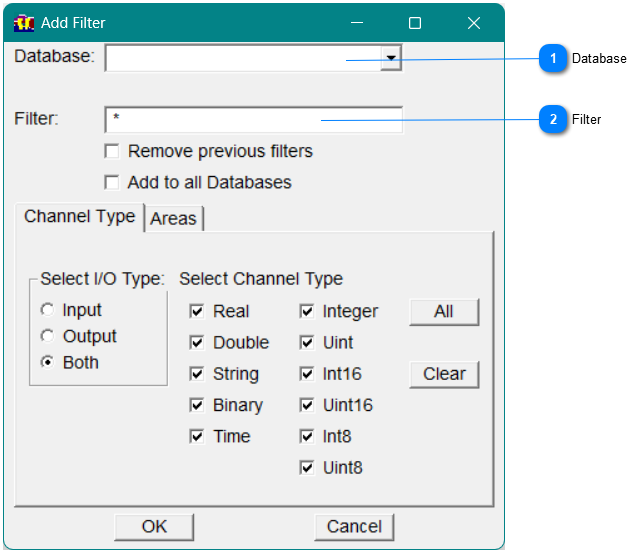
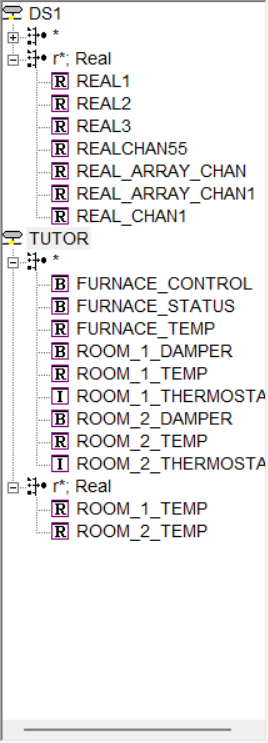
 FilterAdditional Filters can be applied to select only the channels of interest. For example, adding r* to the filter and selecting Real for the Channel Type, and the Add to all Databases, will bring up the channel list as shown in Figure 13.
Figure12 - Add/Filter Dialog
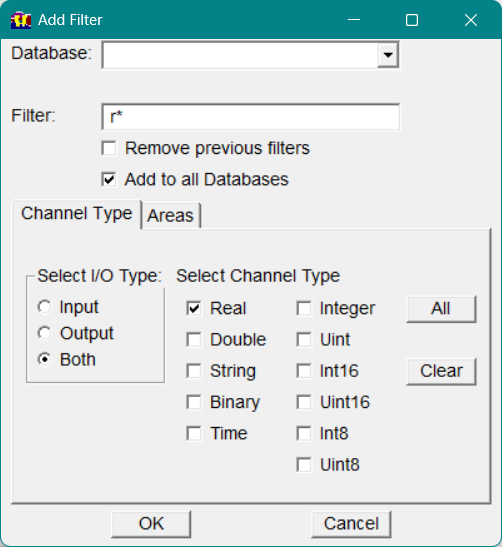 Figure13 - Channel List with filters applied
 |